Activity
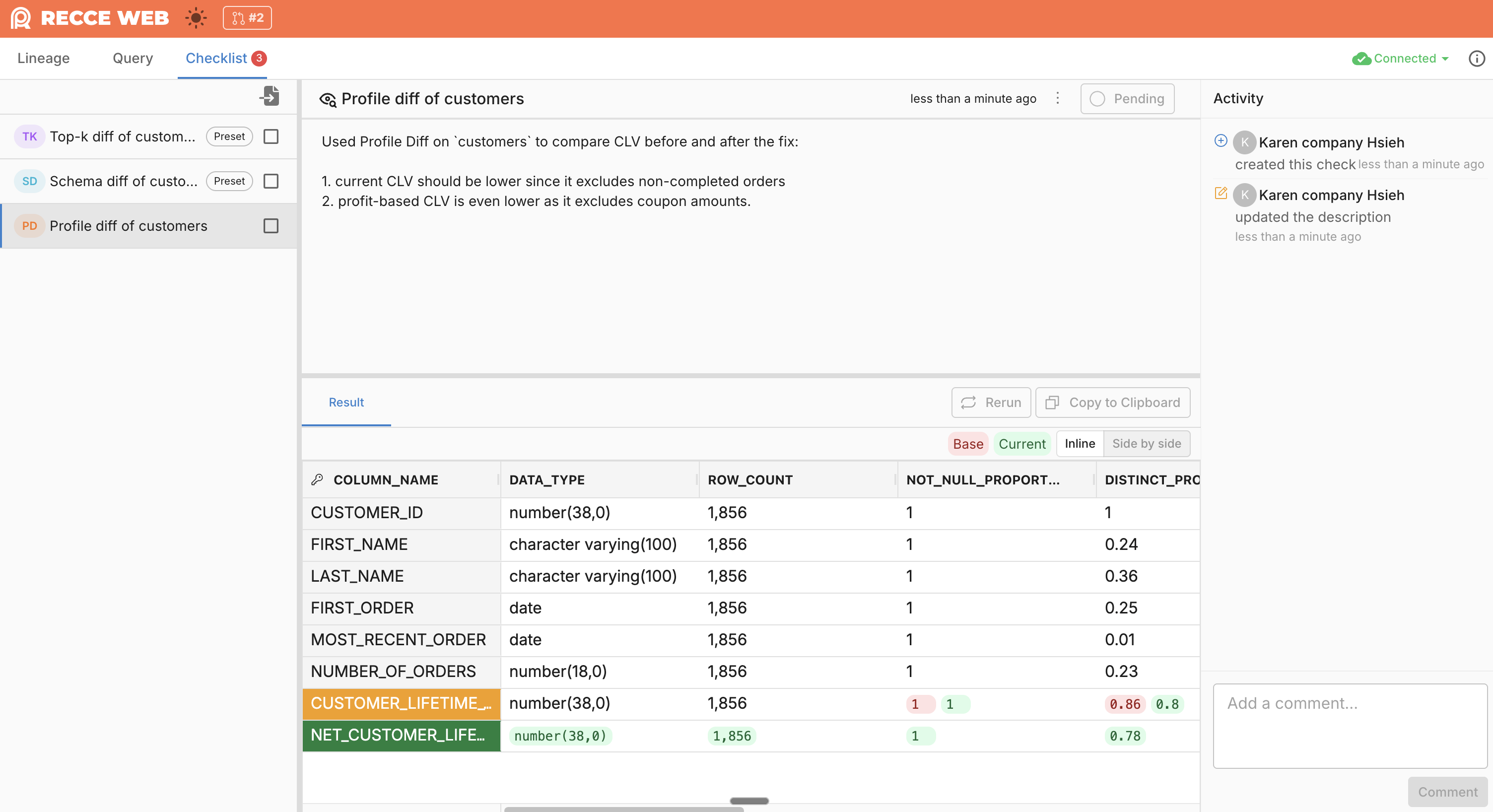
Each check in your checklist has its own Activity panel. It records everything that happens to that specific check—approvals, comments, and updates—giving reviewers context on how the validation evolved.
What Gets Recorded
Activity captures all events for a check:
- Created: When the check is added to the checklist
- Approvals: When the check is approved or unapproved
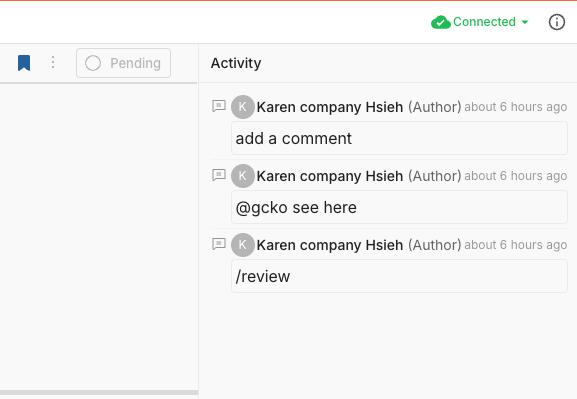
- Comments: Questions, discussions, and clarifications about the check
- Description updates: Changes to the check's description
When to Use
- Requesting context: Ask the developer about unexpected results or ask reviewers about the acceptable thresholds
- Documenting decisions: Record the process of making a decision
- Tracking history: See who approved, what questions were asked, and how descriptions changed
- Handoff scenarios: Give the next reviewer context on past decisions
Sync Comments to GitHub/GitLab
When your Git provider is connected to Recce, comments you post in Activity automatically sync to the PR or MR. Each comment appears as a new comment on GitHub or GitLab, with a link back to the specific check in Recce.
The comment appears on the PR/MR:
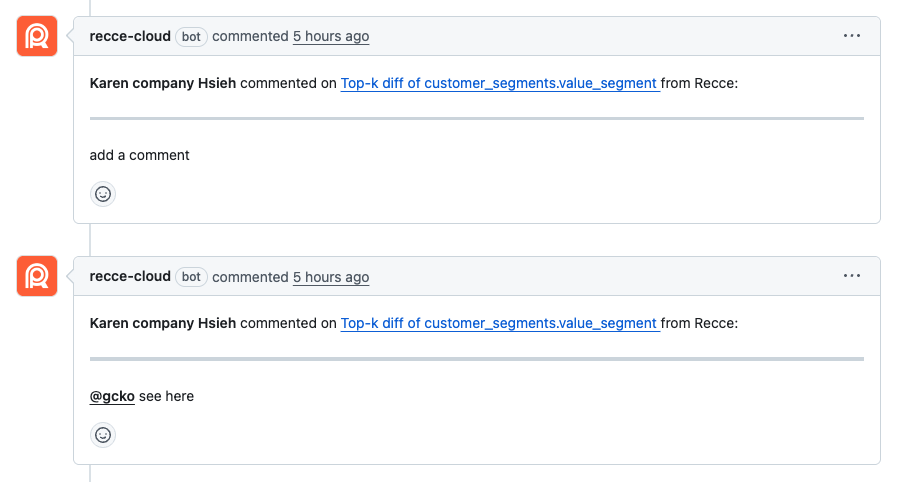
You can @mention teammates using their GitHub or GitLab username (e.g., @john-doe). They'll receive a notification through GitHub or GitLab. Use the exact username—Recce doesn't currently map display names to usernames.
This works the same way on GitLab:
