Activity
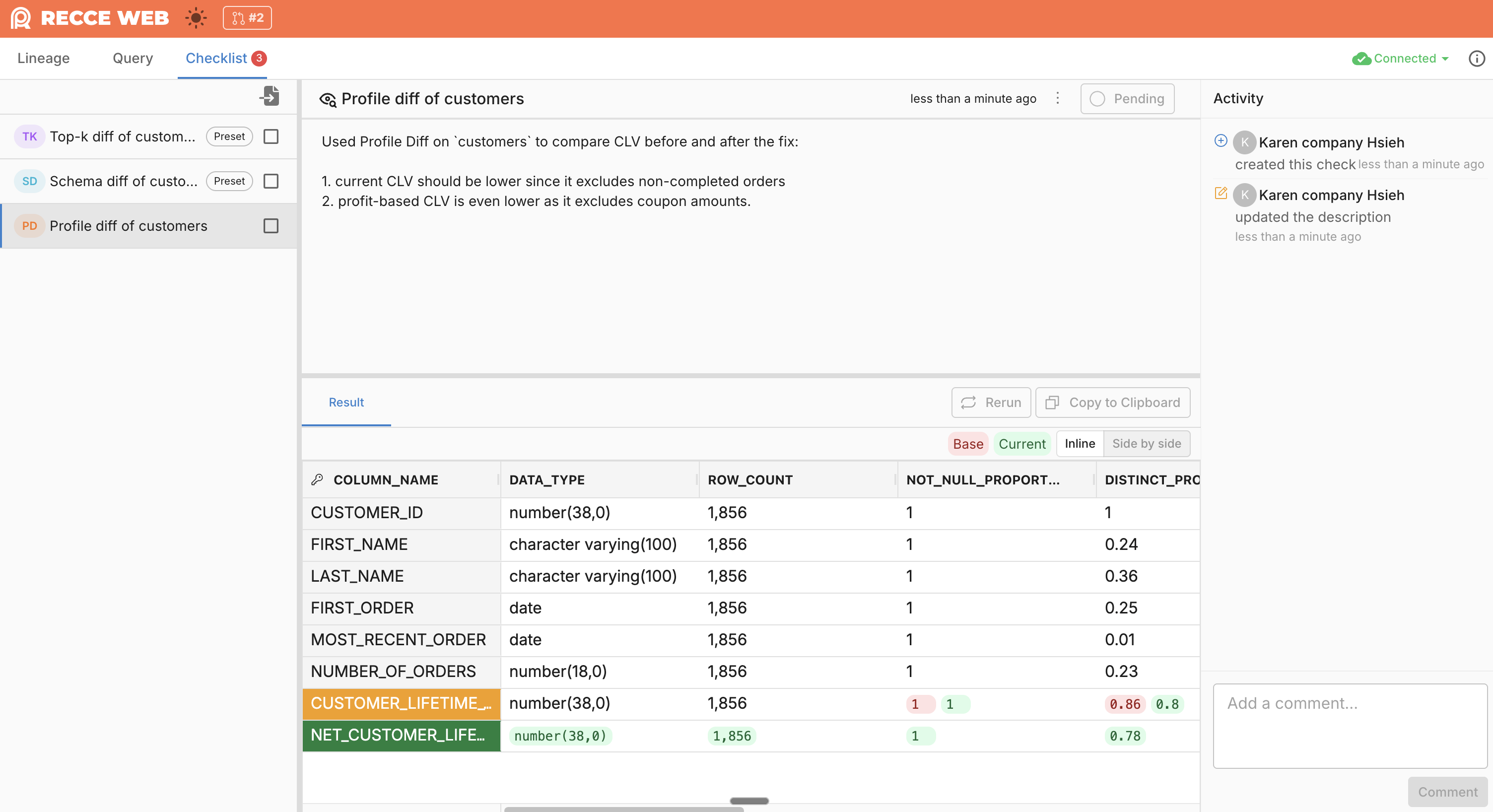
Each check in your checklist has its own Activity panel. It records everything that happens to that specific check—approvals, comments, and updates—giving reviewers context on how the validation evolved.
What Gets Recorded
Activity captures all events for a check:
- Created - When the check is added to the checklist
- Approvals - When the check is approved or unapproved
- Comments - Questions, discussions, and clarifications about the check
- Description updates - Changes to the check's description
Using Activity
Discuss a Specific Check
Use Activity to have focused conversations about a validation:
- Ask why a particular diff result is expected
- Request clarification on acceptable thresholds
- Discuss edge cases the check might miss
- Document why a check was approved despite warnings
Track Check History
Activity shows the lifecycle of each check:
- Who approved it and when
- What questions were asked before approval
- How the description changed over time
- Whether it was re-run after updates
This history helps new reviewers understand past decisions.
When to Use
- Requesting context - Ask the developer about unexpected results
- Documenting decisions - Explain why you approved despite a warning
- Iterating on checks - Track changes as the developer updates code
- Handoff scenarios - Give the next reviewer context on your findings